
Seeing a 404, 500 or 503 error on your website? Learn what the most common website errors mean, how they impact SEO, and when it’s time to call a developer.
You’re browsing a website, click a link and suddenly see a confusing message like 404 Not Found or 500 Internal Server Error. What just happened? Is it your fault? Is the site broken? Should you be worried?
If you run a website, these errors can feel even more stressful. Will they hurt your Google rankings? Should you call a developer, or can you fix it yourself?
This guide cuts through the technical noise. You'll learn exactly what HTTP status codes mean, why they happen, how they affect your SEO, and what you can do about each one, explained simply for website owners, marketers, and curious internet users alike.
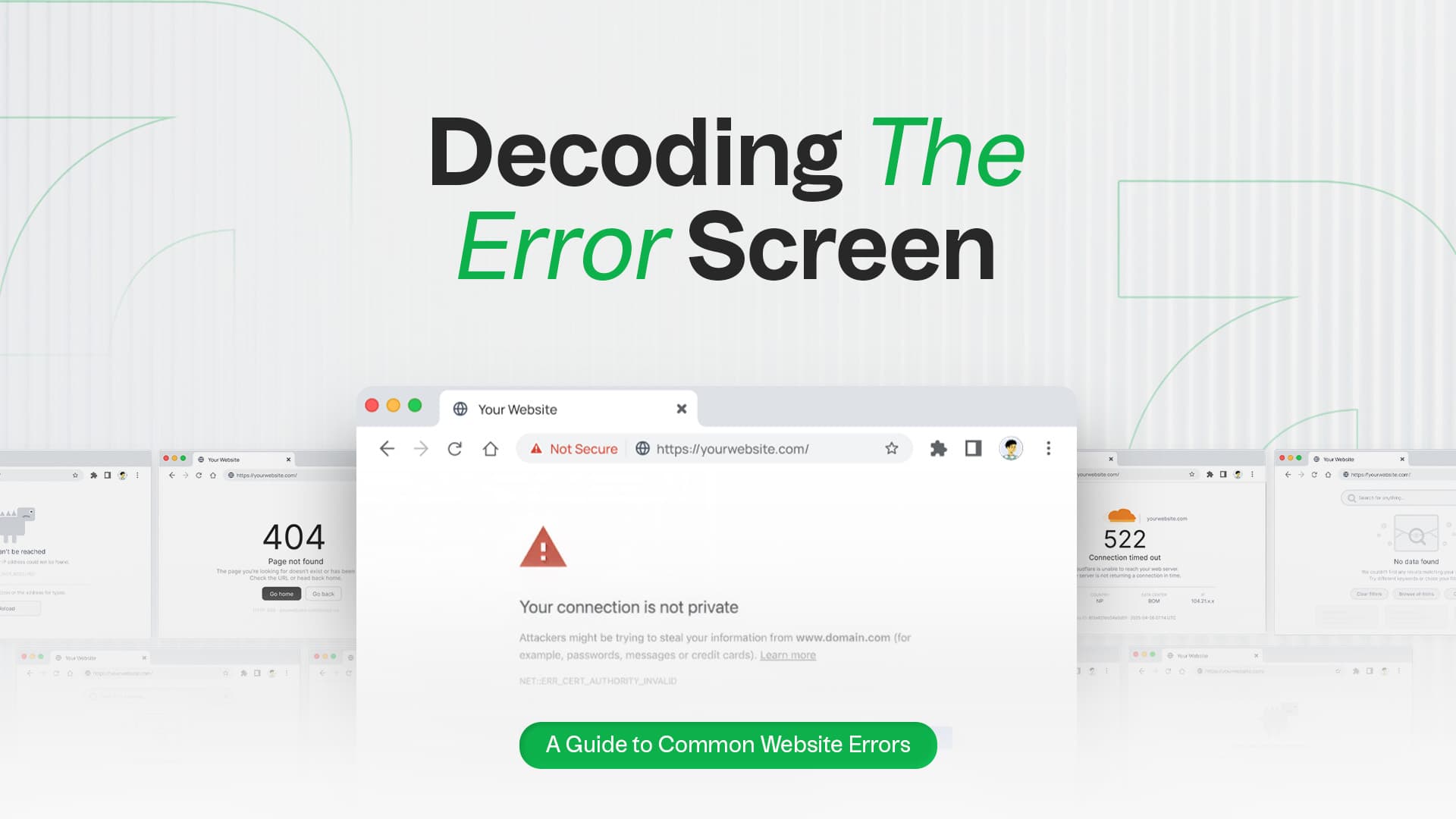
Every time you visit a webpage, your browser sends a request to a web server asking for that page's content. The server responds with a status code, a three-digit number that tells the browser and you what happened.
Think of it like ordering food at a restaurant. The waiter, or server, might say: "Here's your order" (200 OK), "That dish isn't on the menu anymore" (404), or "Sorry, the kitchen is overwhelmed right now" (503). The status code is the server's way of communicating the outcome.
These codes are defined by the Internet Engineering Task Force (IETF) at ietf.org and form a core part of the HTTP (Hypertext Transfer Protocol) that powers the web.
| Category | Range | Meaning |
|---|---|---|
| Informational | 1xx | Request received, still processing |
| Success | 2xx | Request completed successfully |
| Redirection | 3xx | Further action needed (redirect) |
| Client Error | 4xx | Problem with the user's request |
| Server Error | 5xx | Problem on the server side |
Informational codes are rarely visible to end users and have no direct SEO impact. You’re unlikely to encounter these as a website owner. They’re mostly relevant to developers working with APIs.
2xx codes confirm the request was received, understood, and completed successfully. As a website owner, you won’t need to troubleshoot these. They’re the green light that everything is working.
The most common status code on the internet. It means everything worked perfectly: the page loaded, the data was returned, and the server is happy. For SEO, a 200 means Google can visit, crawl, and index the page. It's the green light you want on every important page.
Redirection codes tell the browser that the content it's looking for has moved elsewhere. How you handle these has significant implications for your SEO.
This is the most SEO-important redirect code. A 301 tells Google that a page has permanently moved to a new URL. It passes the majority of the original page's link equity, or ranking power, to the new URL.
Use it when: You've permanently moved or renamed a page, migrated your website, or changed your domain name.
SEO tip: Using 301s properly during a site migration protects your existing Google rankings. If you’re planning a wordpress site migration, getting your redirects right from the start can save you significant ranking recovery time.
A 302 tells browsers and search engines the page has temporarily moved. Unlike a 301, it does not fully transfer link equity. Google tends to keep the original URL in its index.
Use it when: You've temporarily taken down a page for maintenance or are running a time-limited promotion redirect.
⚠️ Common mistake: Many site owners use 302s when they mean 301s, accidentally weakening their SEO.
This tells the browser: "The page hasn't changed since you last visited, just load your cached version." It speeds up page load times and reduces server load. Not an error, it's efficient behavior.
4xx errors mean something went wrong with the request itself, either the page doesn't exist, the user lacks permission, or the request was malformed. These are the most visible errors for everyday internet users.
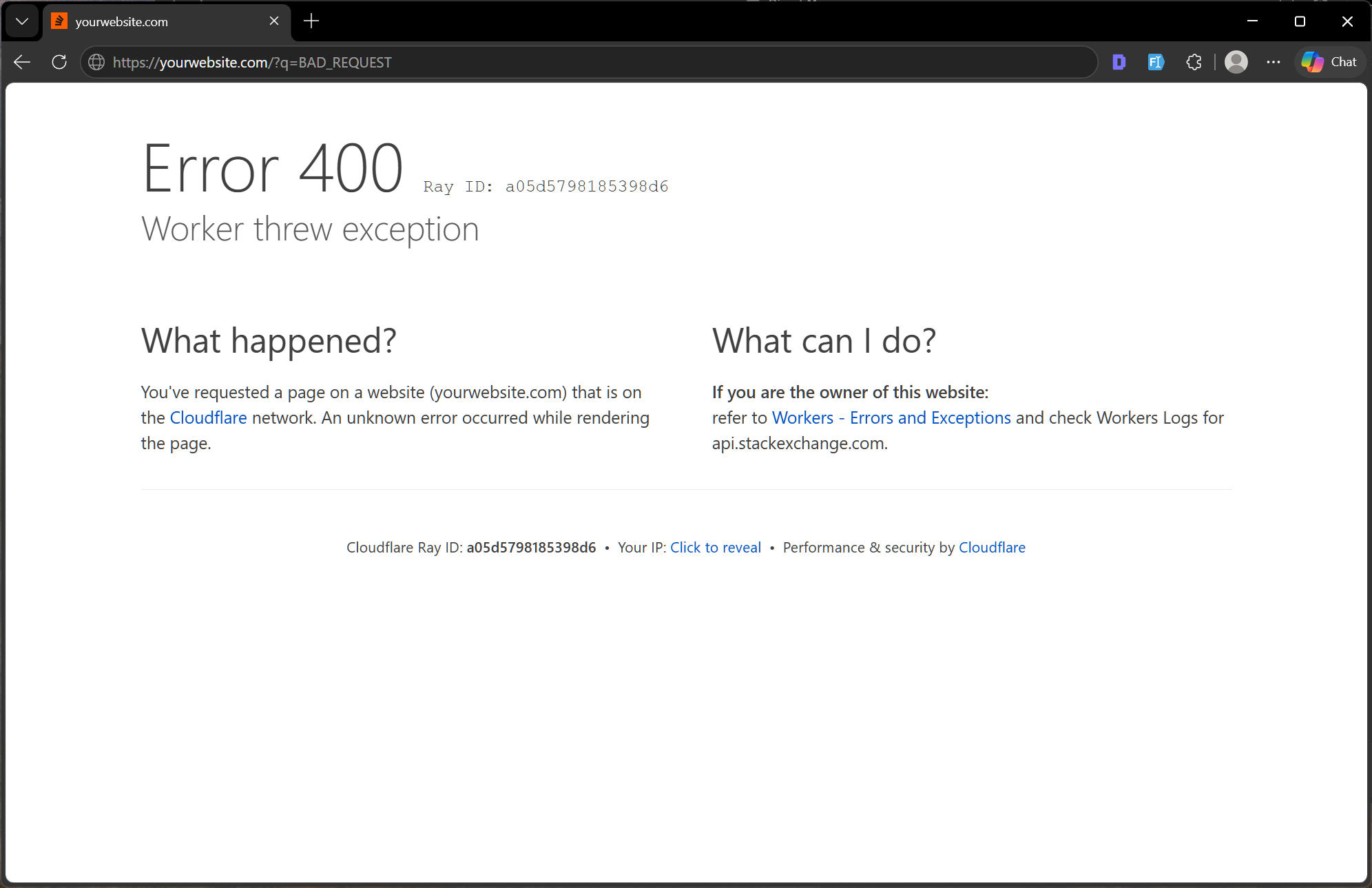
The server couldn't understand the request due to invalid syntax. This often happens due to corrupted browser cookies, malformed URLs, or oversized request data.
Quick fix for users: Clear your browser cache and cookies, then try again.
The resource you're trying to access requires valid login credentials, and none were provided or the ones entered were incorrect. You'll often see this on password-protected areas of websites.
Real-world example: Trying to access a members-only area without logging in.
Unlike 401, a 403 means the server knows who you are but is explicitly refusing access. This is often a server permissions issue rather than a login problem.
For website owners: Check your file and directory permissions. Directories should typically be set to 755 and files to 644.
SEO impact: A 403 on important pages blocks both users and search engine crawlers from accessing your content, which can cause ranking drops.
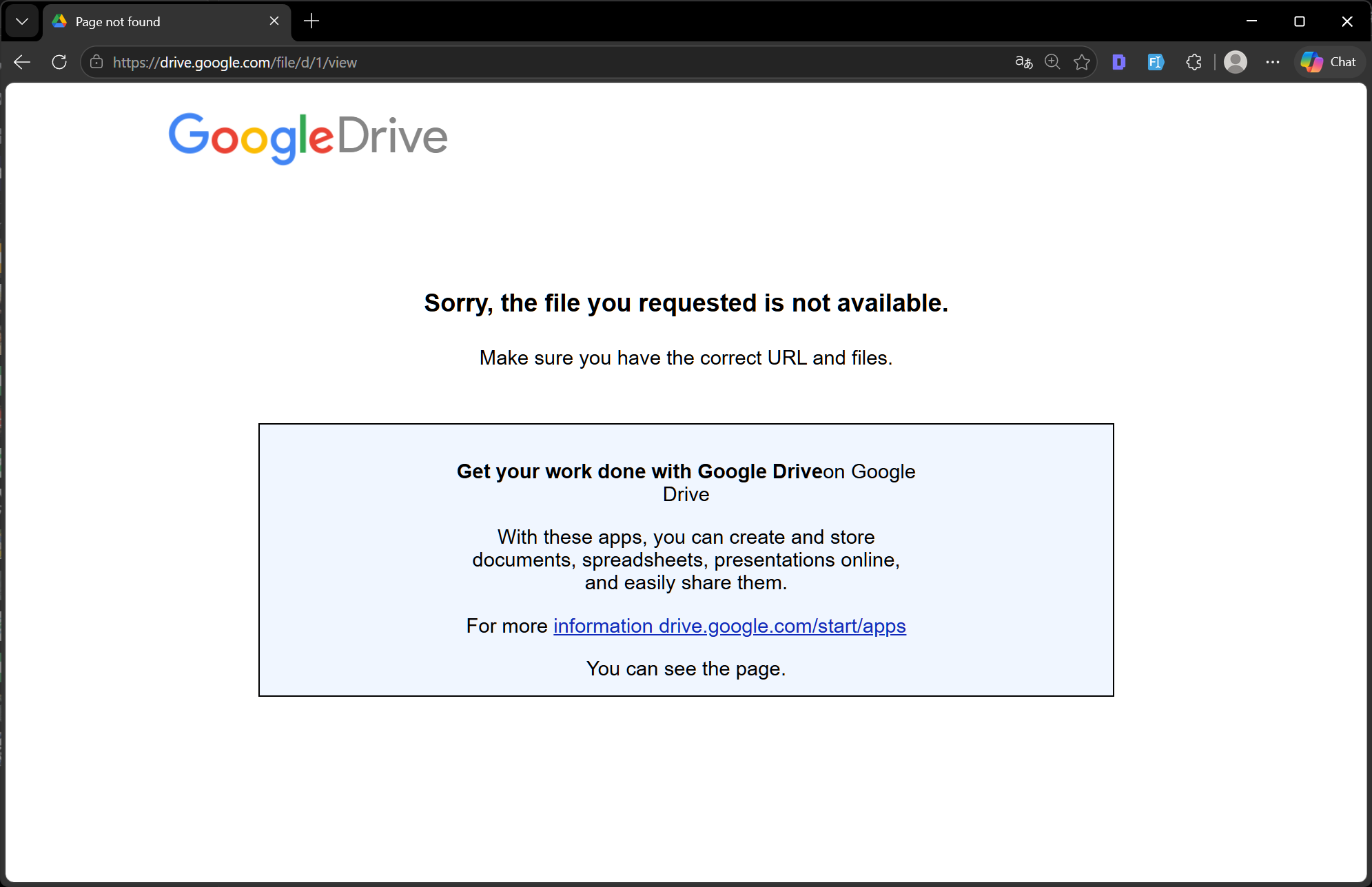
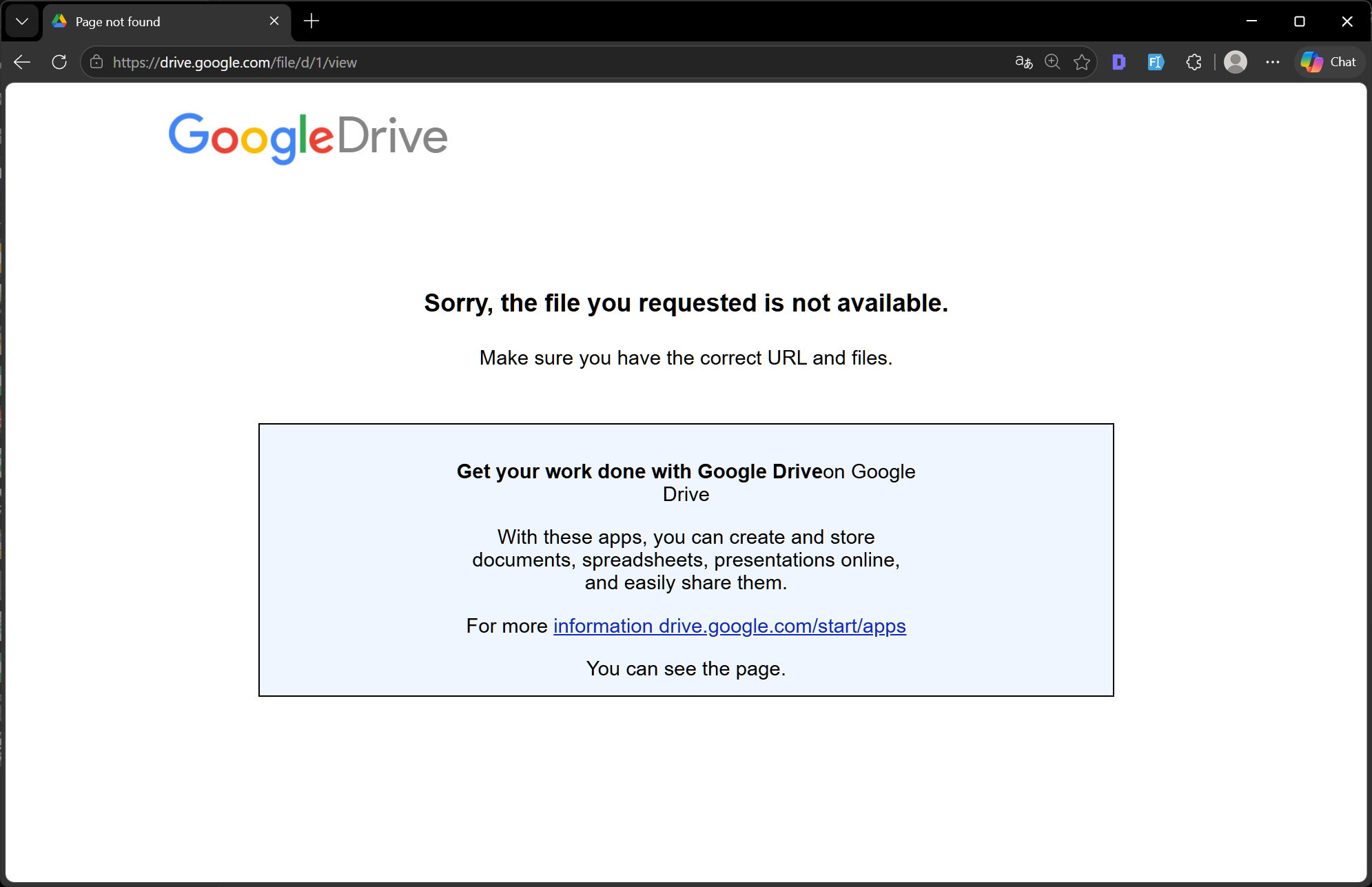
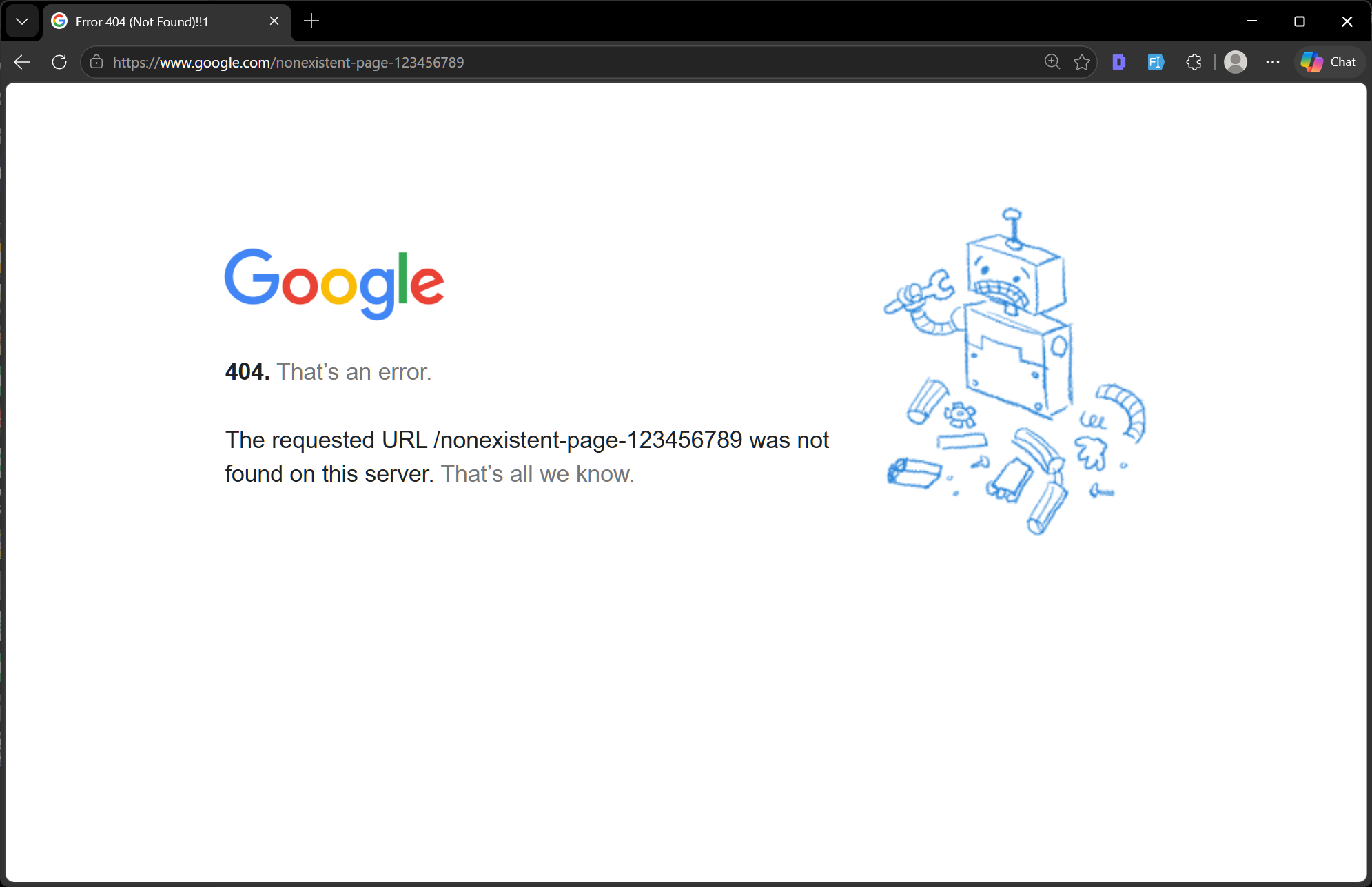
The most recognizable error on the internet. A 404 means the server can't find a page at the requested URL. The page either never existed, was deleted, or was moved without a redirect being set up.
For users: Double-check the URL for typos. Try using the site's internal search.
For website owners:
SEO impact: Occasional 404s are normal and won't hurt rankings. However, a high volume of 404s signals to Google that your site is poorly maintained, wastes your crawl budget, and can dilute your site's authority, especially if inbound backlinks point to broken URLs.
SEO tip: Use 410, not 404, when you've deliberately deleted a page you don't want indexed. Google removes 410 pages from its index faster than 404s.
The user or a bot has sent too many requests in a short time period, and the server is rate-limiting them. Common on APIs and websites with bot protection.
5xx errors are never the user’s fault. They indicate problems on the server side. Something is broken or overwhelmed in the infrastructure delivering the website. These require immediate attention from website owners or hosting providers.
Unlike a 404, a 500 error is rarely something a visitor can solve. The issue almost always lies on the server.
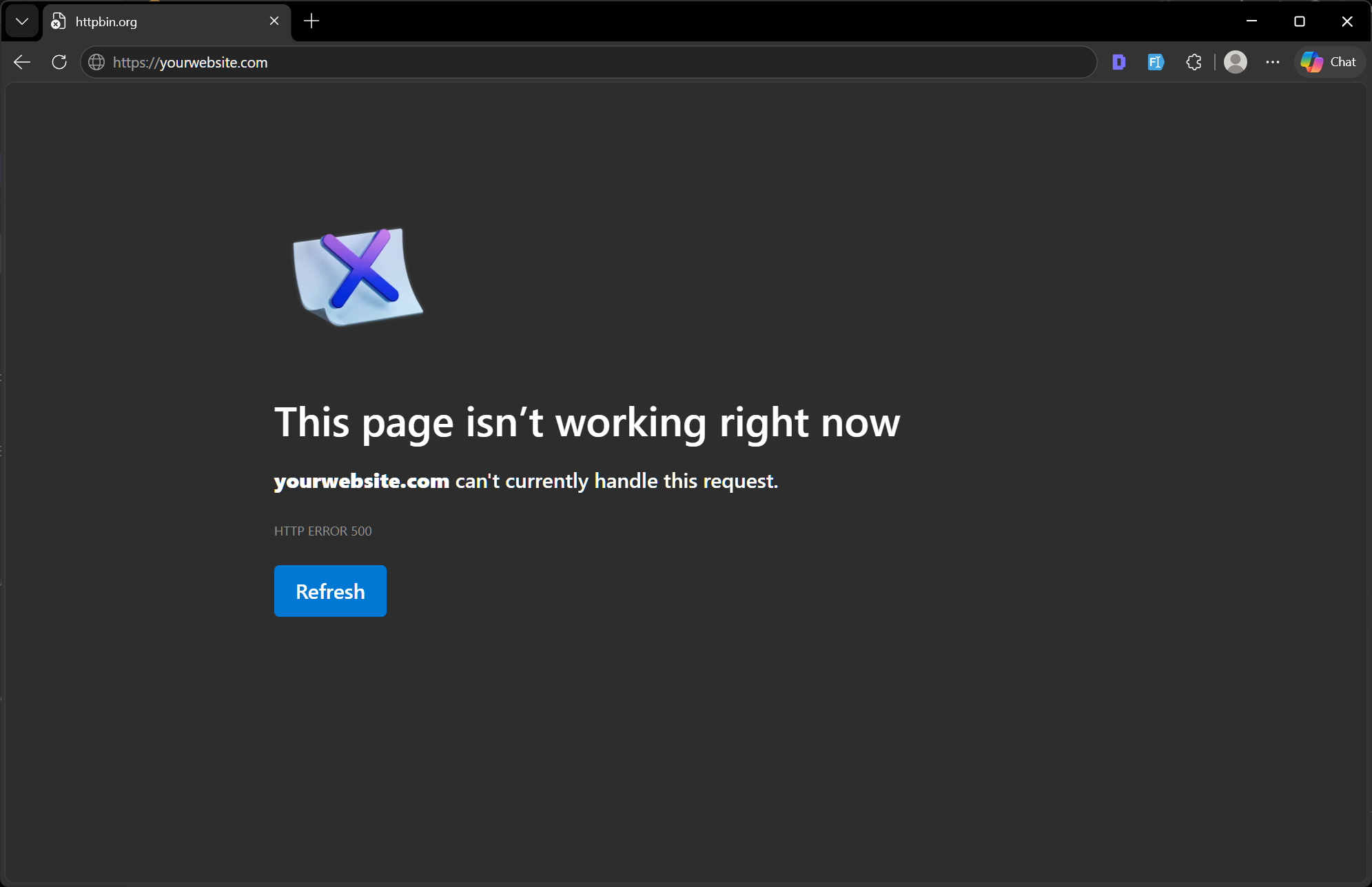
The catch-all server error. It means something went wrong on the server, but the server doesn't know specifically what. It's the digital equivalent of a "something went wrong" message.
Common causes:
How to fix:
SEO impact: A 500 error prevents Google from crawling and indexing your pages. Persistent 500 errors signal site instability and can lead to ranking drops.
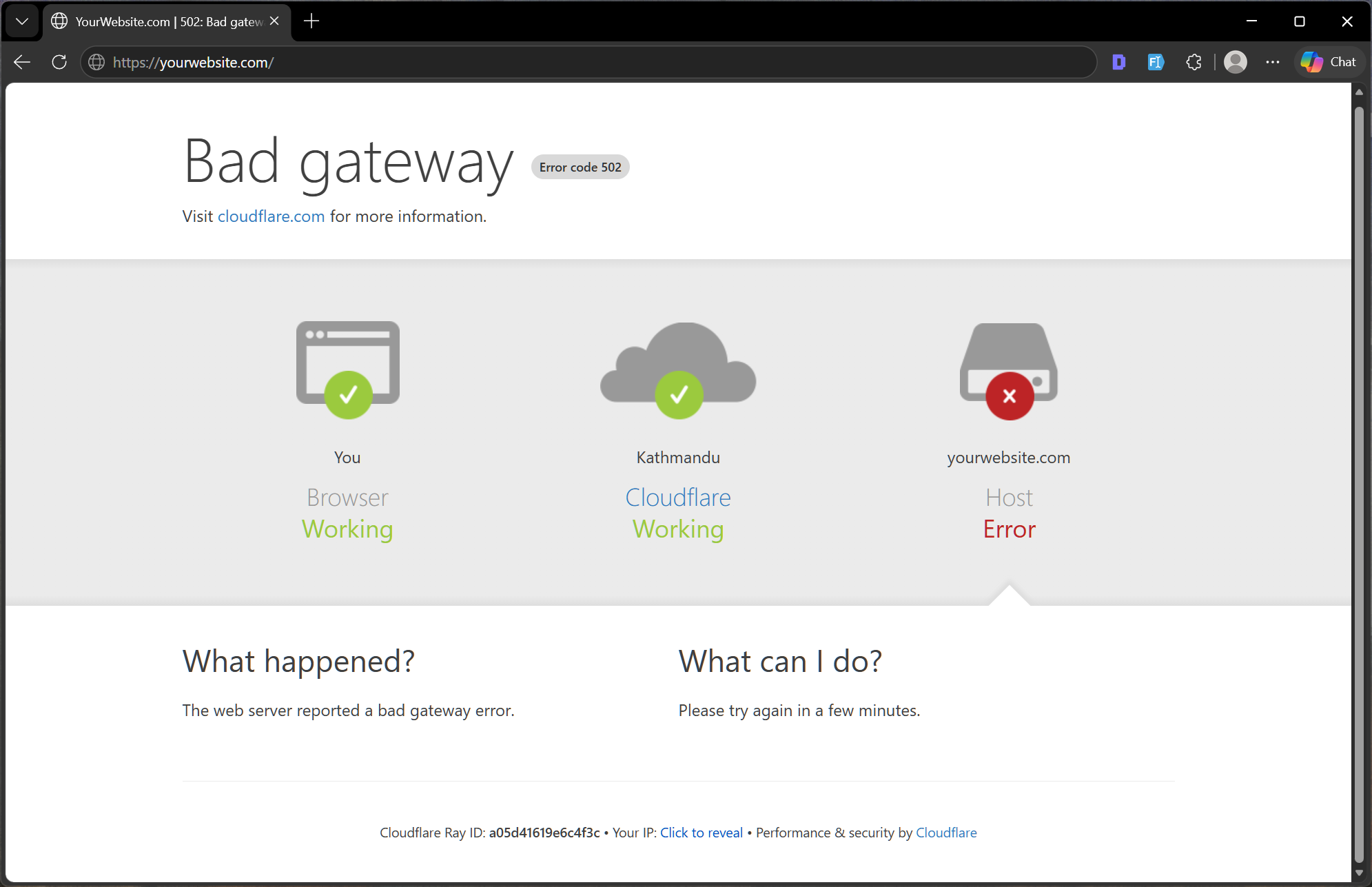
This error occurs when one server receives an invalid response from another server it was communicating with. Common with websites that use load balancers, reverse proxies, or CDNs.
Real-world analogy: You call a company's support line, but the agent who answers can't reach the department they're transferring you to, so the call fails.
Quick fix: Refresh the page after a few seconds. If it persists, contact your hosting provider.
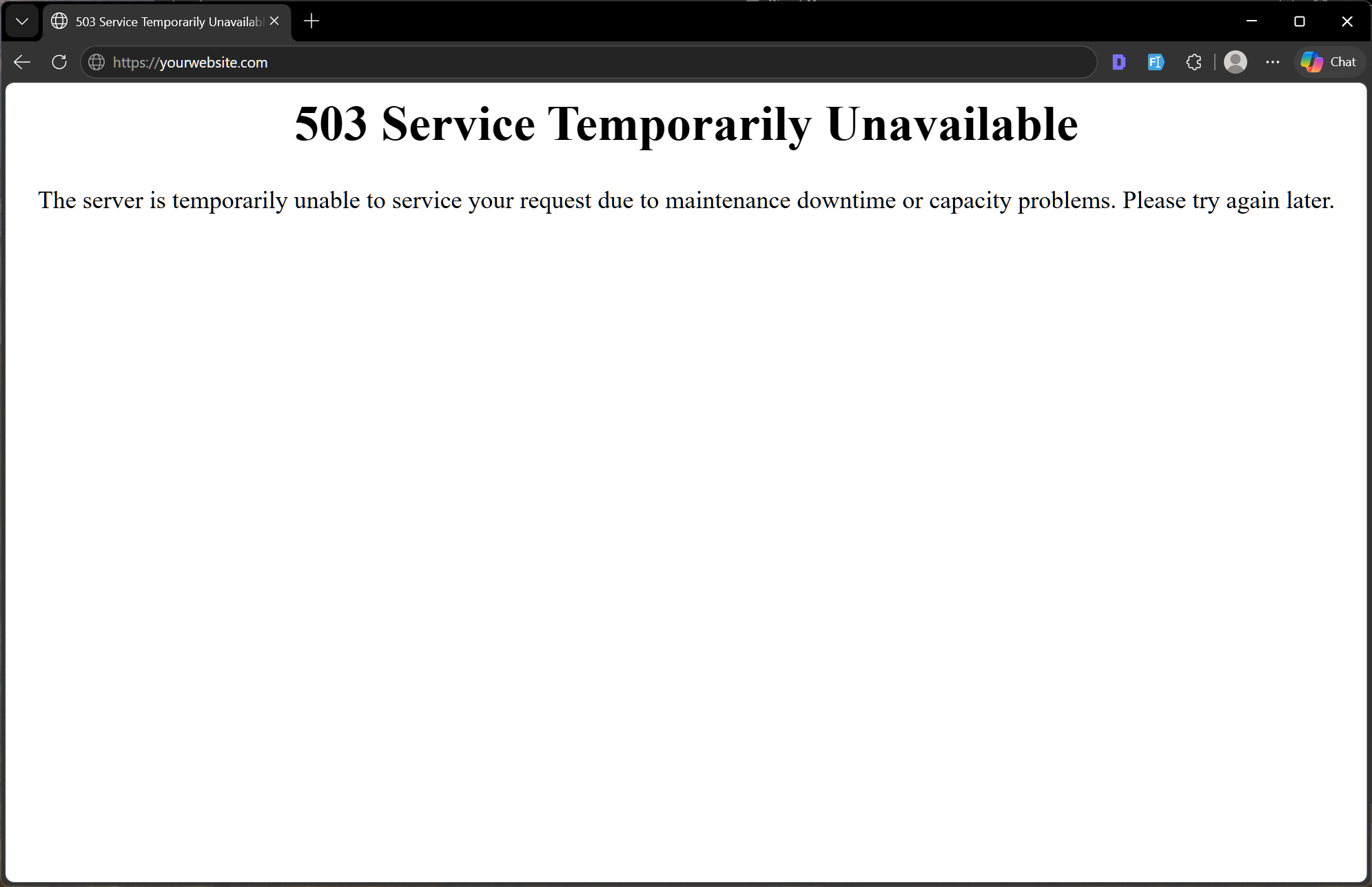
The server is temporarily unable to handle the request, usually because it's overloaded or undergoing maintenance. Unlike a 500 error, a 503 is often intentional, such as during a planned update window.
SEO tip: If you need to take your site offline for maintenance, configure it to return a 503 with a Retry-After header so search engines know the downtime is temporary and will revisit soon.
SEO impact: Short-term 503s are tolerated by Google. Prolonged 503s, lasting hours or days, can cause your pages to drop in rankings or temporarily disappear from search results.
Similar to 502, but specifically means the upstream server didn't respond in time. Common during traffic spikes or when a backend service is slow to respond.
| Code | Name | Who's at Fault | SEO Impact | Quick Action |
|---|---|---|---|---|
| 200 | OK | — | Positive | None needed |
| 301 | Moved Permanently | Owner (intentional) | Positive (if correct) | Verify redirects are correct |
| 302 | Found (Temp Redirect) | Owner (intentional) | Neutral | Use 301 if permanent |
| 400 | Bad Request | User/Client | Low | Clear cache, retry |
| 403 | Forbidden | Owner/Config | Medium | Fix file permissions |
| 404 | Not Found | Owner/User | Medium–High | Set up redirects, fix broken links |
| 410 | Gone | Owner (intentional) | Positive (faster deindex) | Use for deliberately removed pages |
| 500 | Internal Server Error | Server/Owner | High | Check logs, fix plugins |
| 503 | Service Unavailable | Server/Hosting | Medium (if temporary) | Set Retry-After header |
| 504 | Gateway Timeout | Server/Hosting | Medium | Contact hosting provider |
HTTP status codes are not just technical footnotes. They directly influence how Google crawls, indexes, and ranks your website. If you want to understand how search engines process your site in depth, our guide on how AI is changing search covers how modern crawlers evaluate site health signals.
Here are the most reliable tools to monitor and diagnose your site:
Not every error requires a developer. Here's a simple decision guide:
You can handle it yourself if:
Call a developer or your hosting provider if:

About the Author
Sayuj Kuickel. Saj
Lead Frontend DeveloperLearn about our Editorial Policy.
WordPress 7.0 is finally here. Instead of just skimming the release notes or rehashing what other blogs already said, we installed it ourselves and spent real time poking around to see what actually feels different for everyday users. For this review, we set up the new version in a test environment and put it side by side with WordPress 6.x. Our focus wasn’t on deep developer internals, it was on the things website owners, editors, bloggers, agencies, and business users actually bump into while using WordPress every day. After living in both versions for a while, version 7 feels less like a brand-new platform and more like a cleaner, faster, better-organized WordPress. A few changes are useful right away. Others are more foundational and will probably matter more as later updates build on them.

Learn how ChatGPT ads work, who can buy them, how context hints target conversations, what the pricing looks like, and how to track results.
A practical WordPress migration guide covering every phase: backups, .htaccess, redirects, robots.txt, sitemap, DNS, SSL, cache, forms, CRM tracking codes, and post-launch checks. Written for developers, interns, and anyone doing this for the first time.